
On the day
A screen for every job at the venue
Floor manager, front of house, holding, DJ, MC, results lead, runners and judges share the live running order. Everyone sees what they need, on their own phone, with a PIN.

Check-in desk
Find dancers by name or number, tick them in, take payments and hand out number packs.
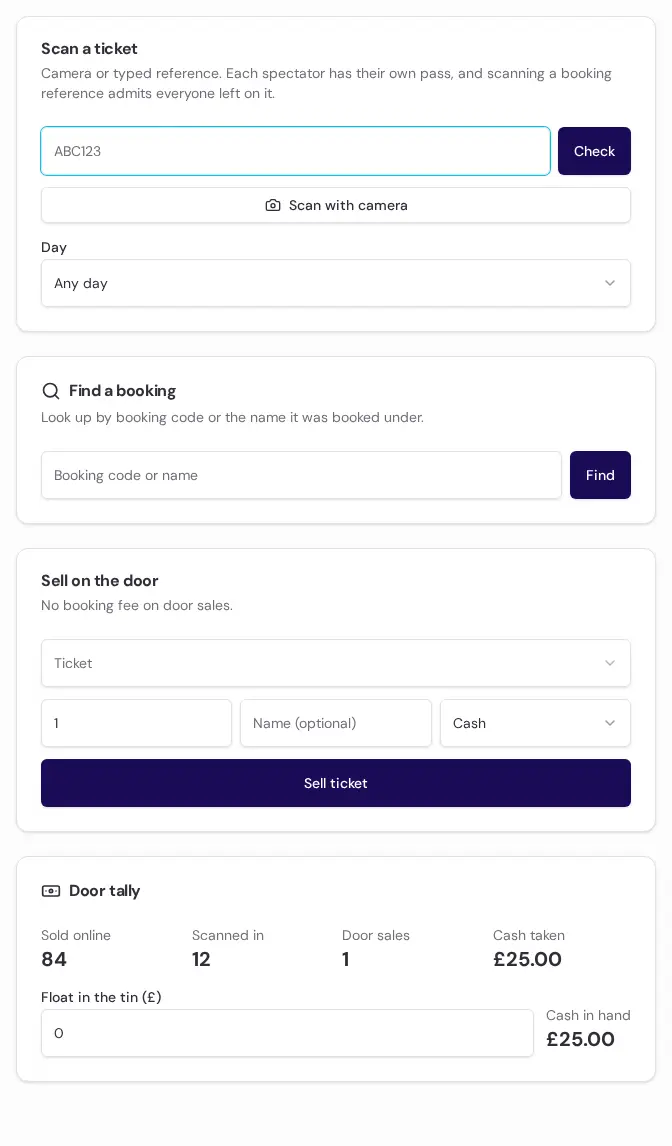
Door
Scan spectator QR tickets, flag duplicates instantly, and take door sales.
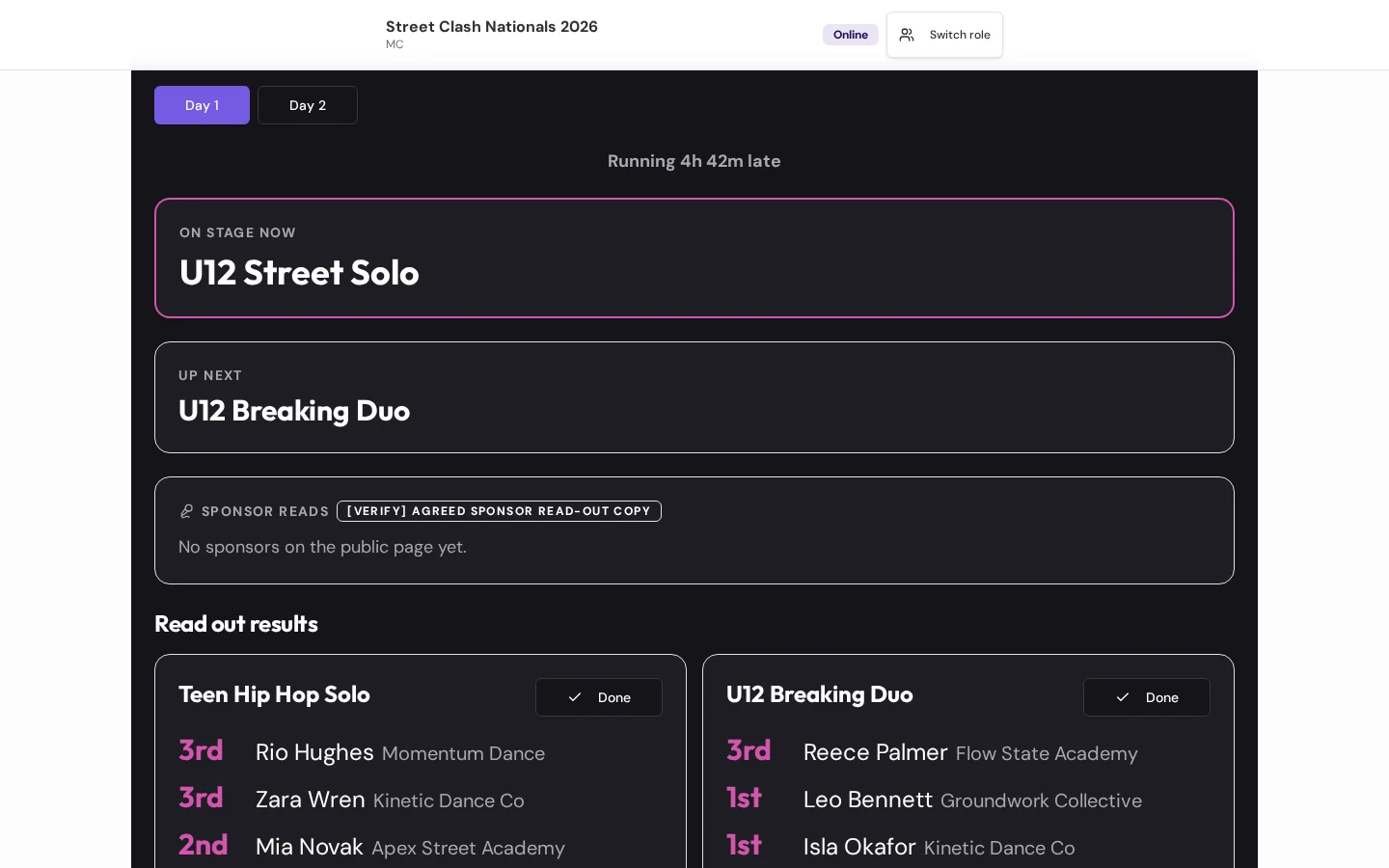
MC screen
What is on, what is next, recalls to announce and results to read out.
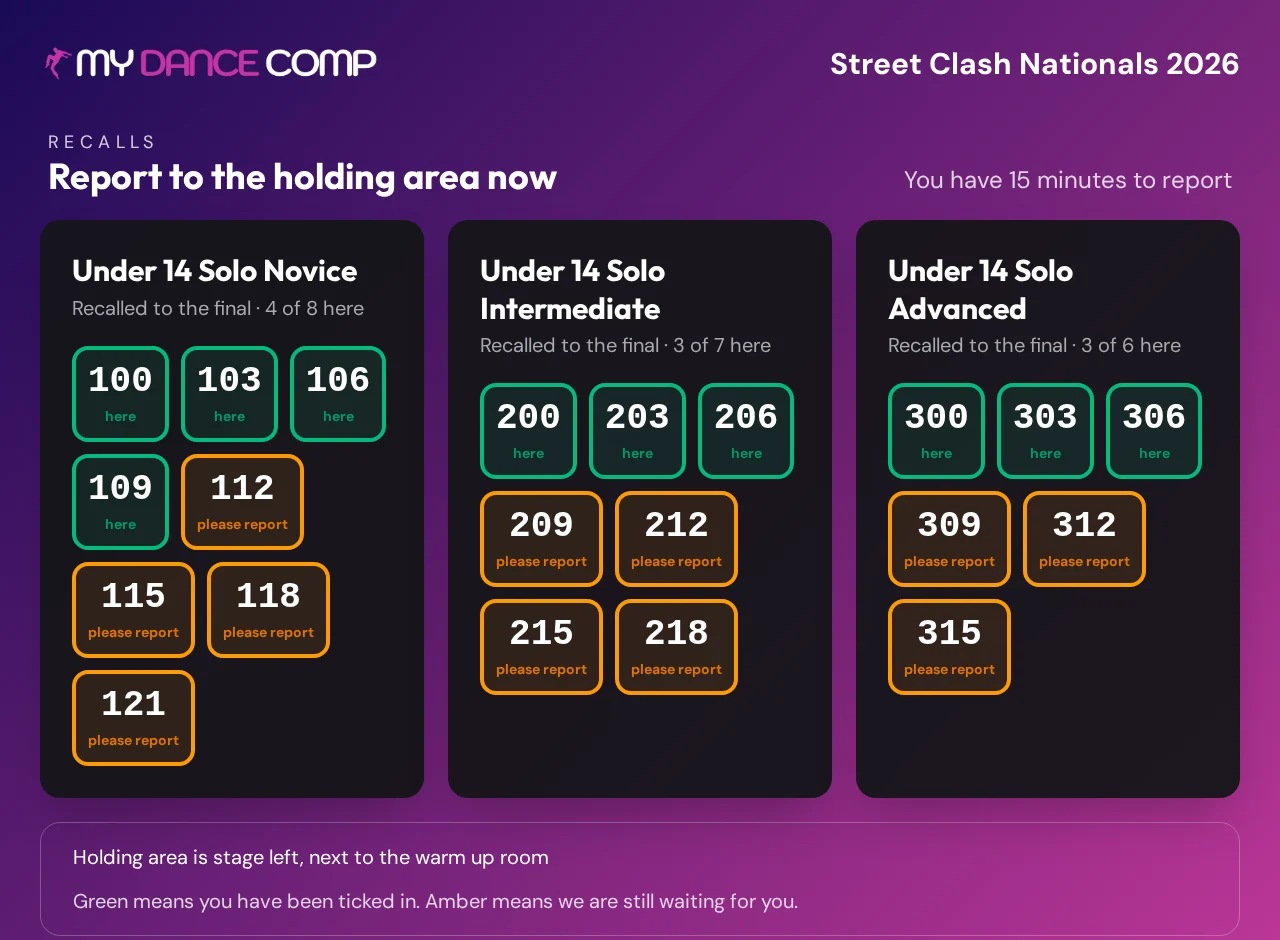
Big screen
The venue sees the current category, what is coming, and who is needed in the holding area.
Behind the scenes
The roles that hold the day together
Stage
Start, pause, skip and come back to categories. Mark dancers presented, DNF or DQ. Everything else follows.
Contest coordinator
Calls categories to holding, confirms crew rosters, logs substitutions and teacher queries, on the record.
Results lead
Checks every tally and skating working, with a second person confirming before results publish.
Safety reporting
Any role can record an accident, first aid, a near miss or a safeguarding concern. If the signal drops, the report saves and syncs later.
Safeguarding and incidents
A clear report and follow-up process for the whole venue
Name your safeguarding lead and first aider before doors open. Restrict private reports, log follow-up and include open incidents in the end-of-day check.
Questions
Event day questions
Your event, one clear system
Give your team screens that just work
Build everything for free. Choose your event pass only when you are ready to go live.