
Build, Run and Wrap-up
Every competition job in one connected workspace
From the rule pack that shapes your categories to the payout that closes the event, each step reads the same data.
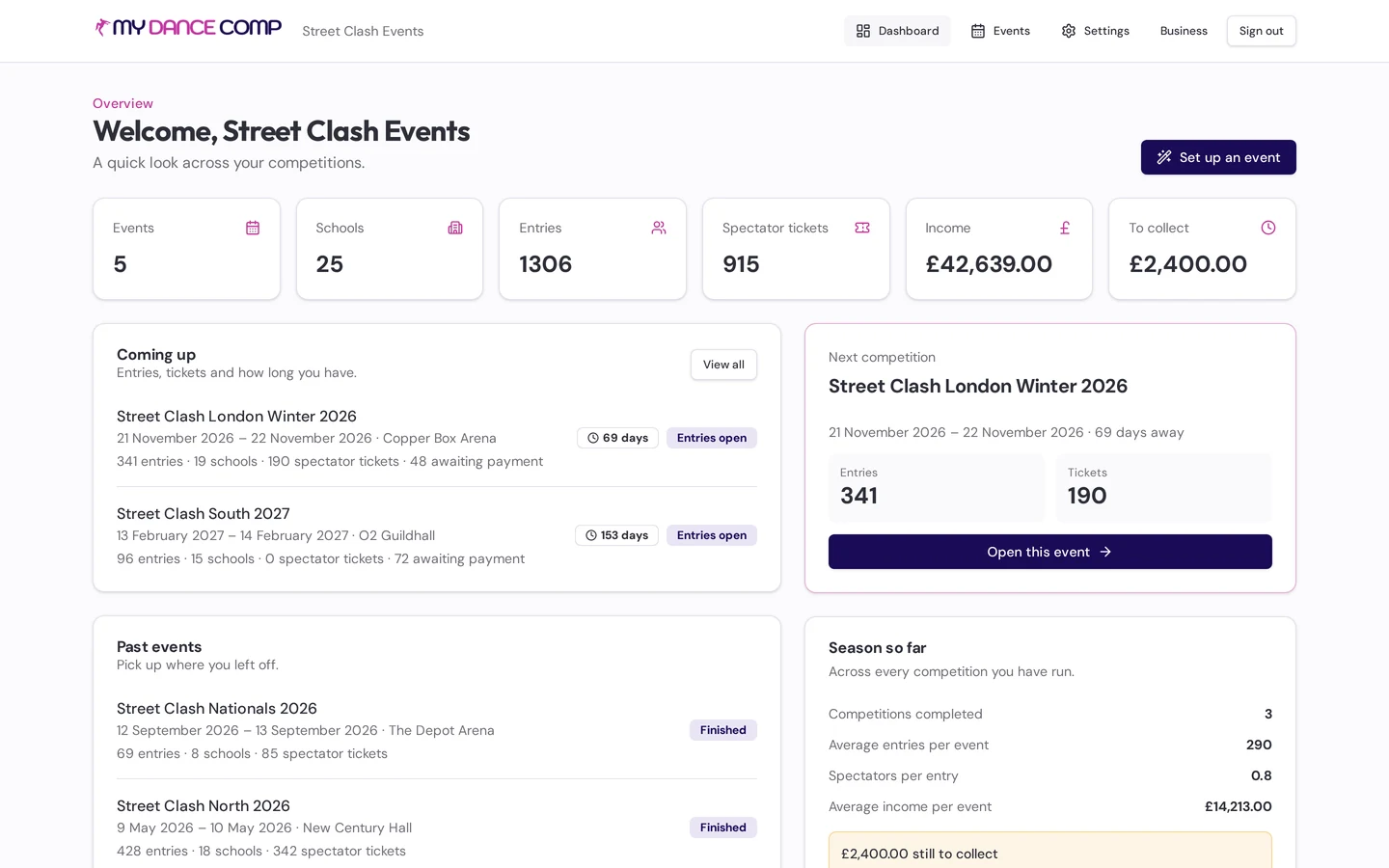
Rule packs and categories
Start from a rule pack, change everything
Start from a street, style or federation-shaped rule pack, or Custom. Age bands, levels, dancer counts, music lengths, recall model, final sizes and panel rules come pre-filled and every value is yours to change.
- Per-entry-type age rules
- Floor capacity sets heat size
- Inclusive categories with their own criteria
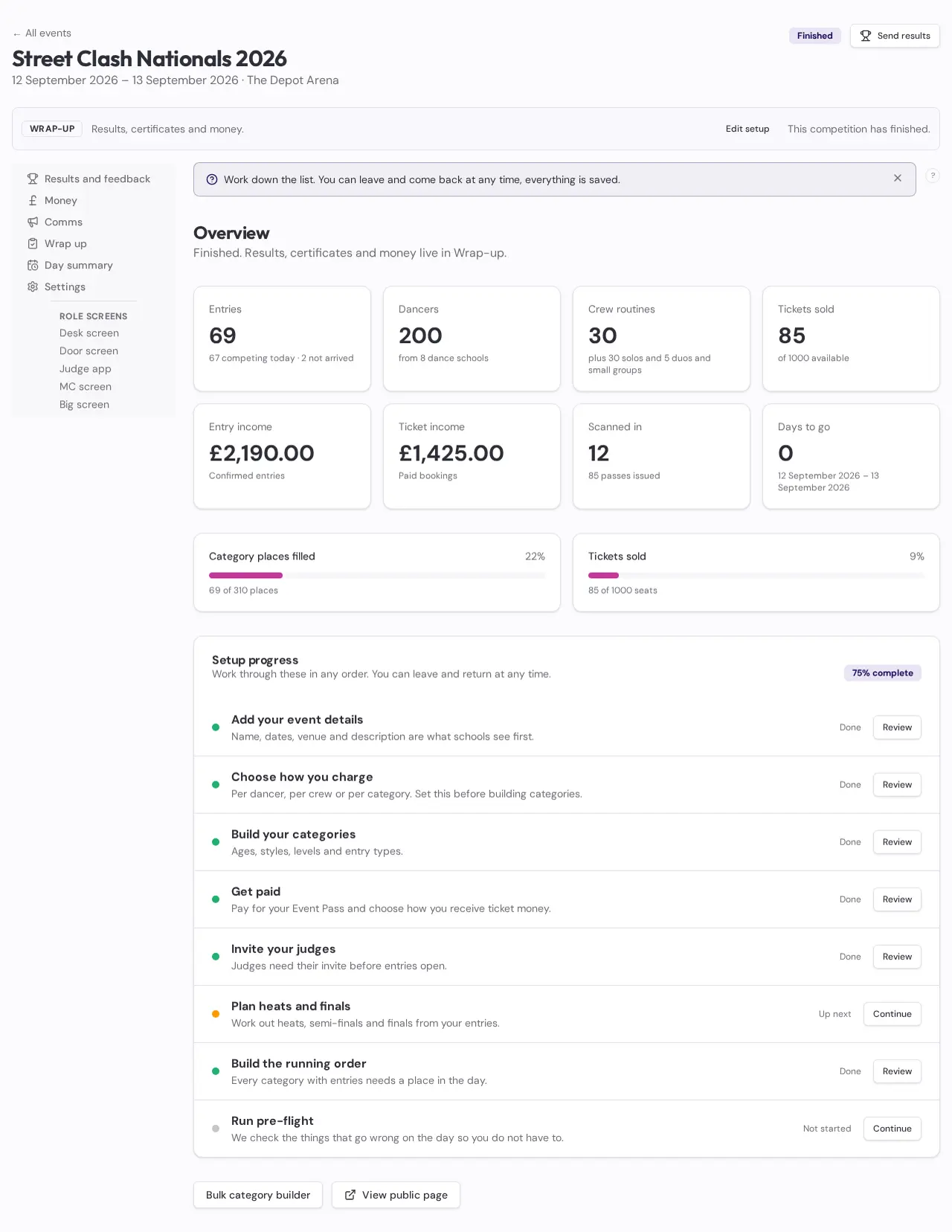
Entries, numbers and music
Collect the right Entry without re-keying forms
School roster and basket, independent entry with consent, estimates and confirmations for bulk buyers.
- Random numbers, one per duo, school number packs
- Music deadlines by event size with chasing
- Team change log before a crew competes
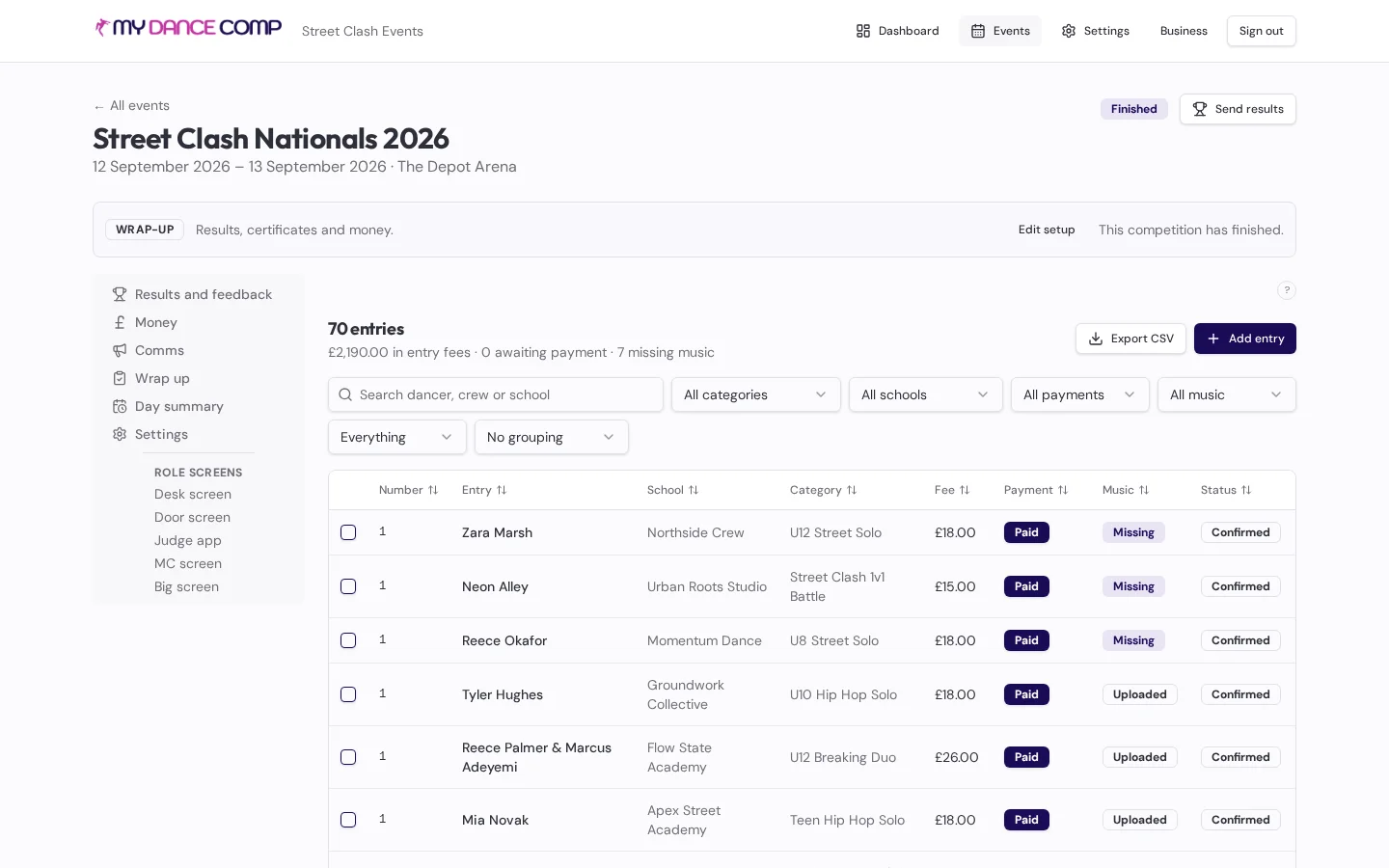
Heats and finals
Rounds planned from real entry numbers
Rounds are generated from your rule pack's thresholds and the room's floor capacity, with heats kept together for duos and start order reversed each round.
- Half-through, ideal-line or percentage recall models
- Coordinator forms the real heats on the day
- Awards after each category if you want families away early
Recall judging and skated finals
The way UK street comps are actually judged
Judges mark exactly N numbers per recall round. Finals are ranked and tabulated by the skating system, with the working shown.
- Mark exactly N per round
- Majority rule and head judge tie screen
- Skating system with the working shown
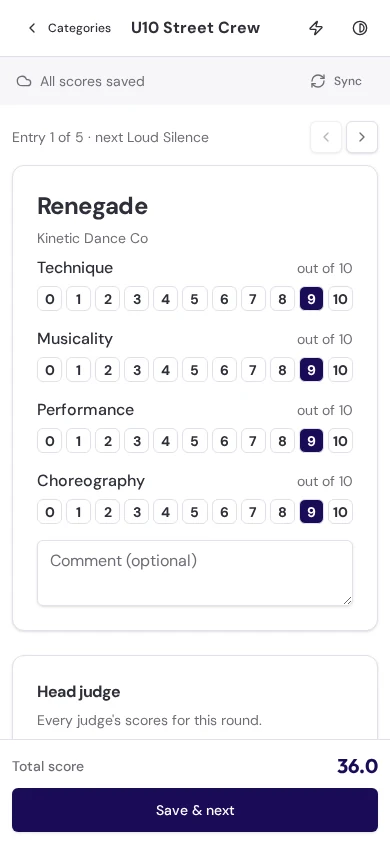
Scored categories for crews
Criteria scoring when the category calls for it
Crews and megacrews get proper criteria scoring with head and technical judge marks.
- 0.25 steps, penalties per judge
- Sum, trimmed mean or skated section ranks
- Head and technical judge criteria
Event day roles
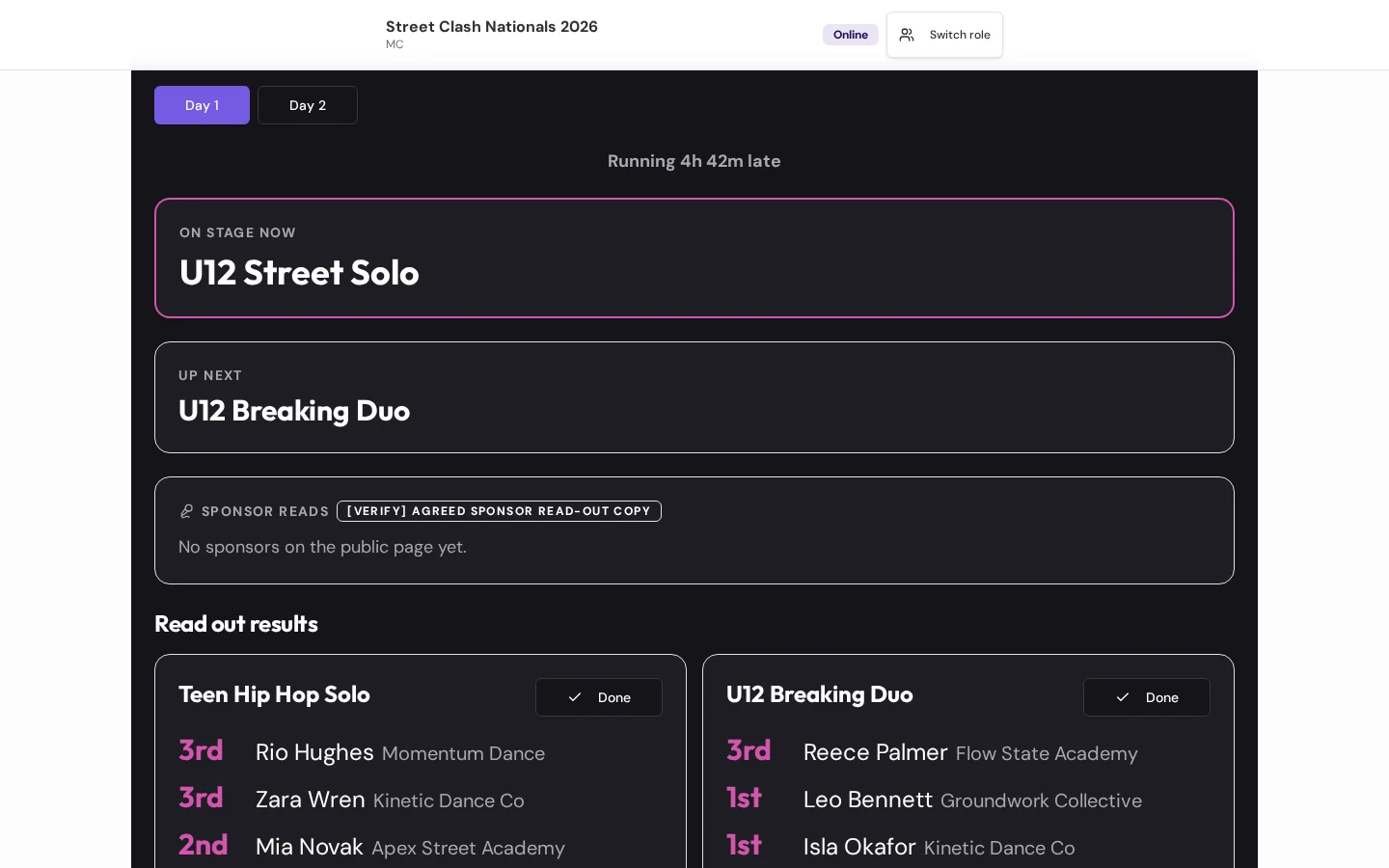
Give every live role a screen built for its job
Coordinator, Desk, Door, Stage, DJ, Results lead, MC and Big screen, each with its own PIN and its own focused screen.
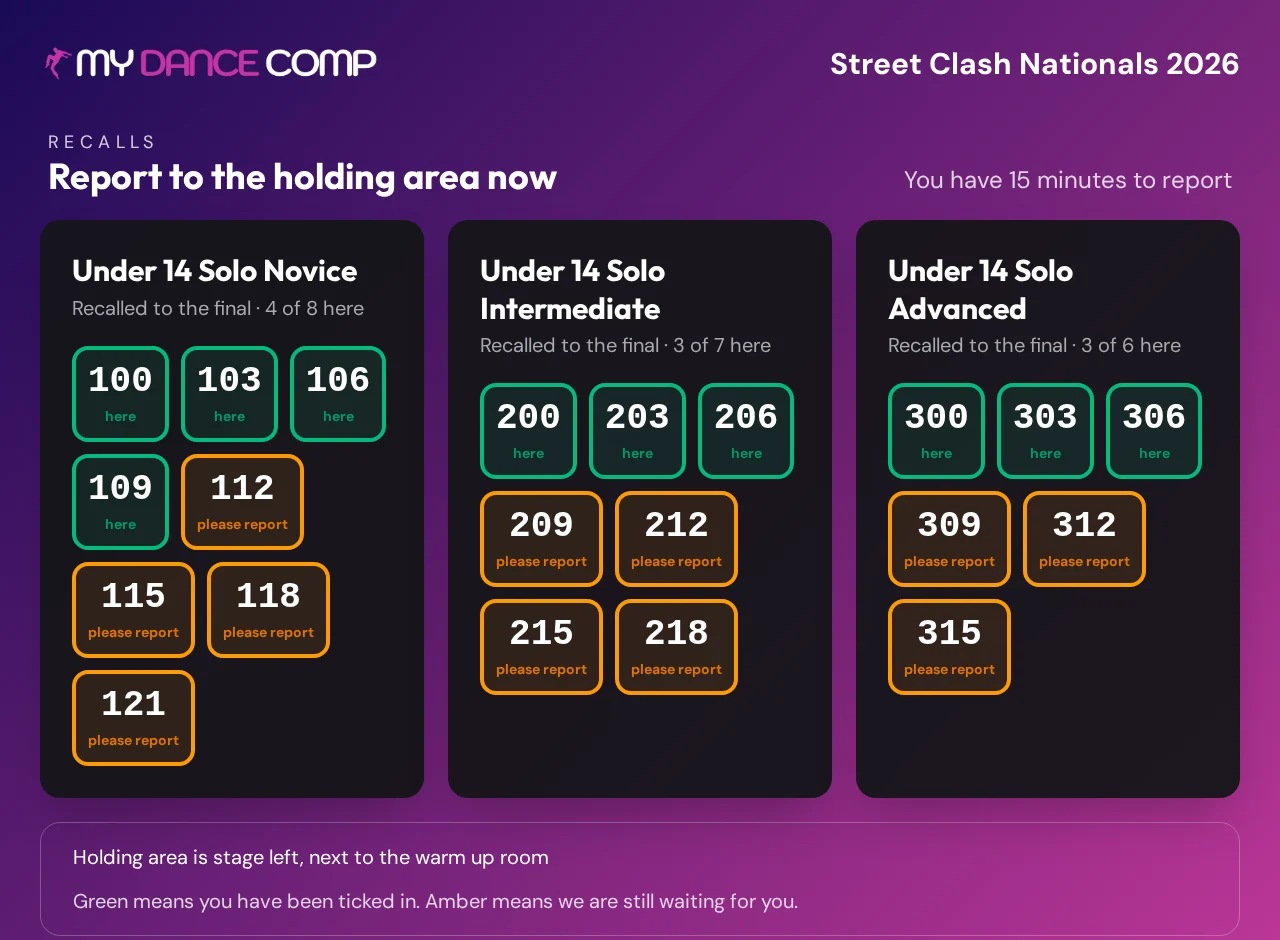
- Holding area tick-off and heat formation
- Drift banner and +15 from here
- Accident, first aid and safeguarding reports from any role screen
Tickets and the door
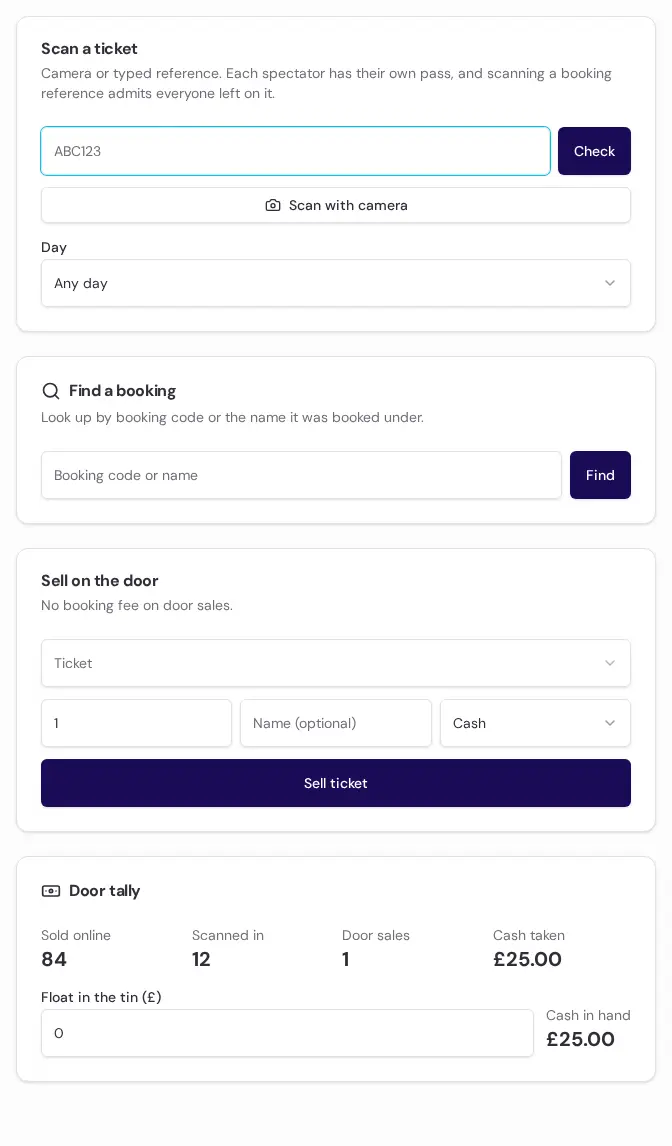
Keep spectators informed from booking to admission
Sell spectator tickets by day, weekend or bundle, issue one unique QR pass per person, and scan at the door even offline.
- Day, weekend, bundle and under-5 tickets
- One QR pass per person, offline scanning
- No booking fee on door sales
Compliance and safety
The paperwork nobody else does
Body of persons approval, chaperones, music licensing and incident follow-up are part of running a children's event. MyDanceComp keeps them visible.
- Chaperone calculator: under-16 dancers in, chaperones out
- Digital accident, first aid and safeguarding reports with offline saving
- Named safeguarding lead and first aider in the pre-flight check
- Insurance and engagement evidence kept with the event
To confirm: Confirm requirements with your local authority
Results, certificates and money
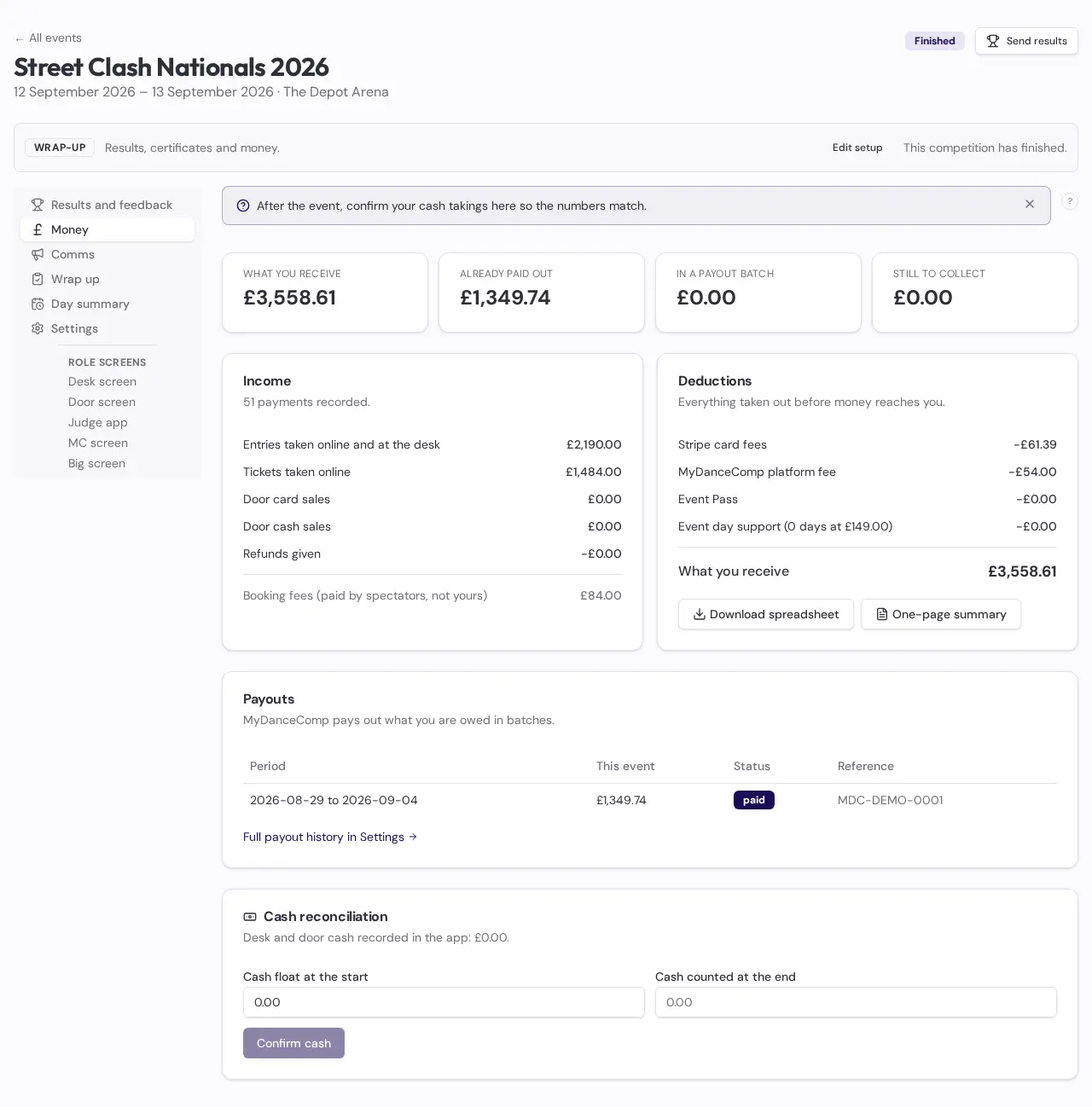
Finish the competition with a complete record
Publish results your way, issue certificates, reconcile the money and clone the event when next year begins.
- Placings only, with scores, or teacher-only
- Certificates for every placing
- Money tab, end-of-day report, clone for next year
Venue-ready
Practical safeguards are included
Visible offline state
Supported scores, scans and live actions queue until the connection returns.
Included with every pass
Focused role access
Judges and the Event team see the information and controls needed for their job.
Included with every pass
An accountable record
Accidents, first aid, safeguarding concerns, overrides and operational actions stay on the event record.
Included with every pass
Paper pack included
Slips, heat sheets, tally sheets and results sheets, ready to print.
Included with every pass
Your event, one clear system
Build the full event before choosing your pass.
Build everything for free. Choose your event pass only when you are ready to go live.